🌸 Wellness Tracker

Your calm space
for wellness.

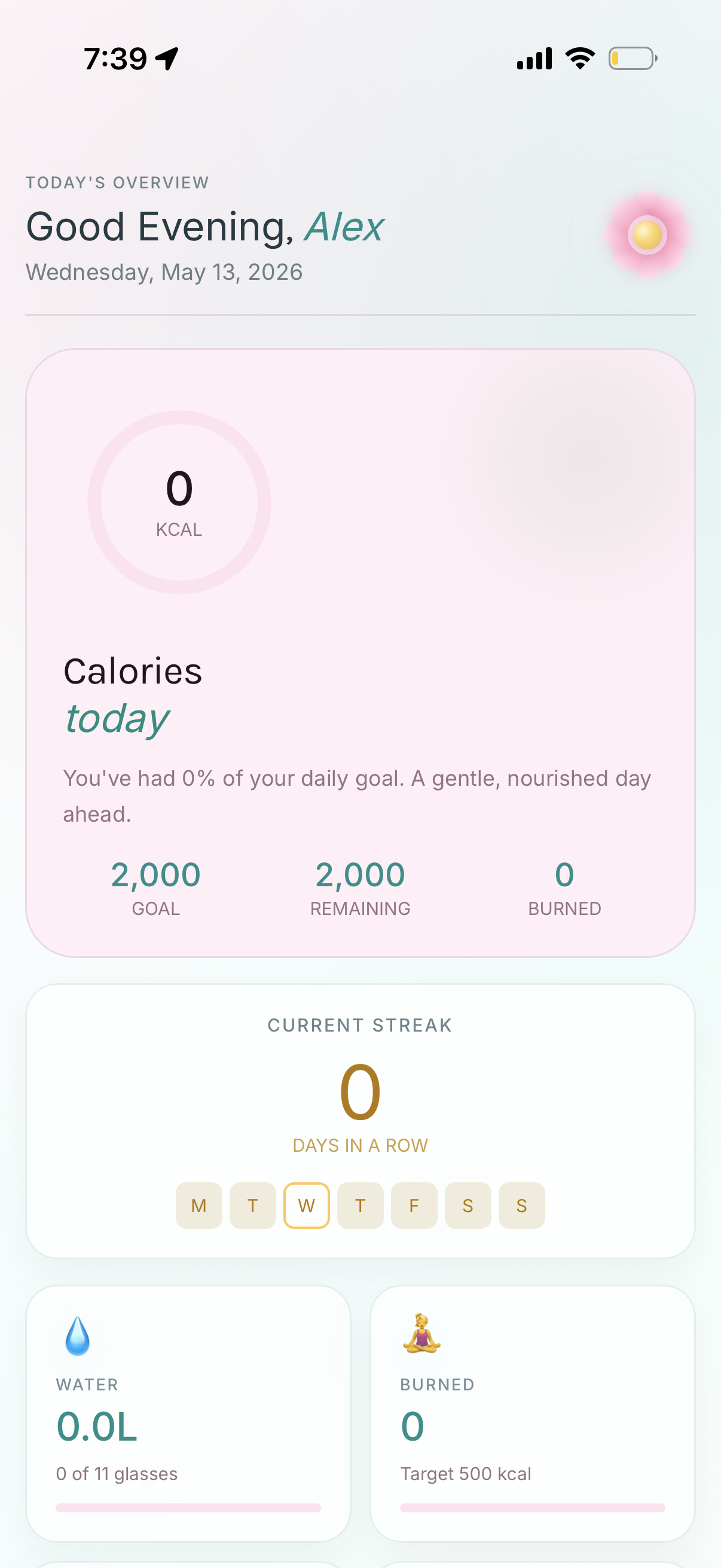
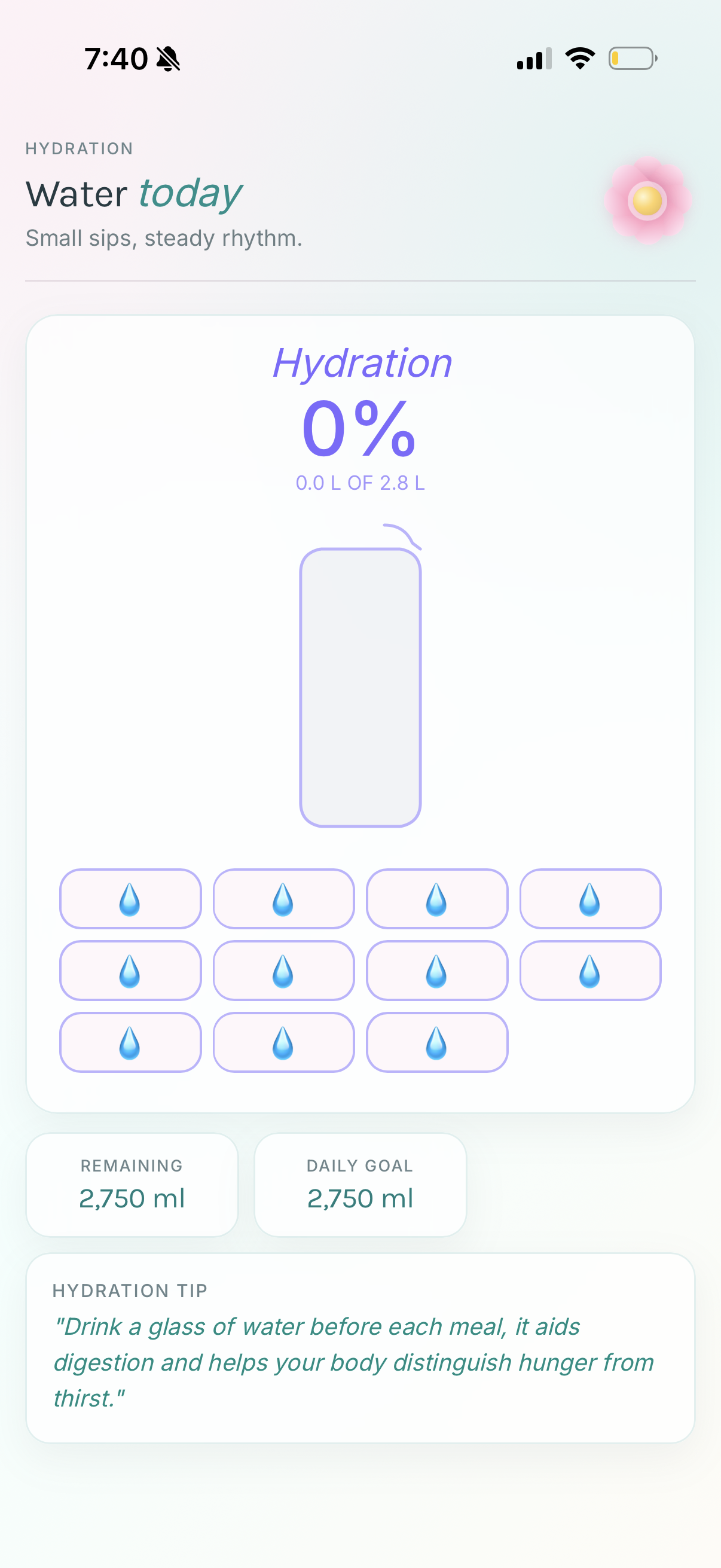
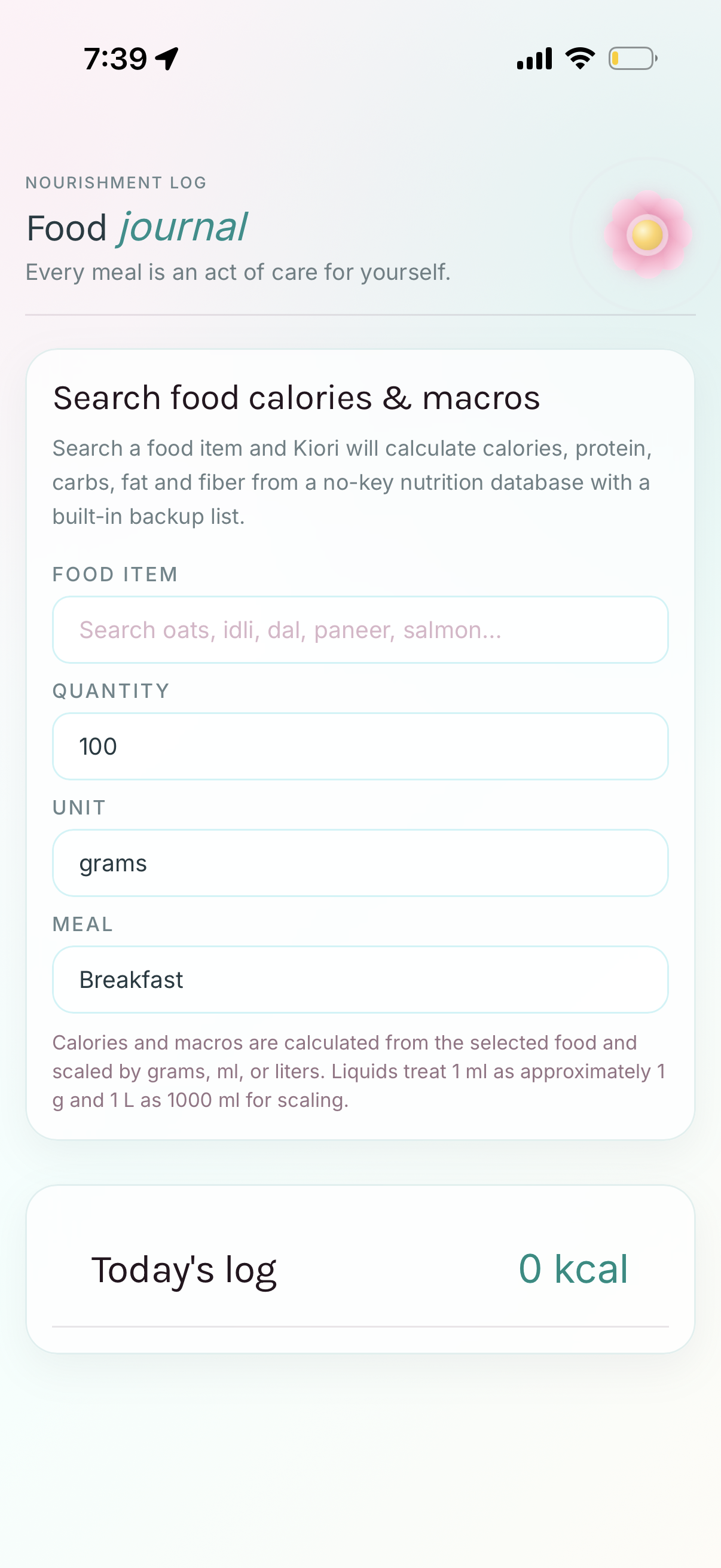
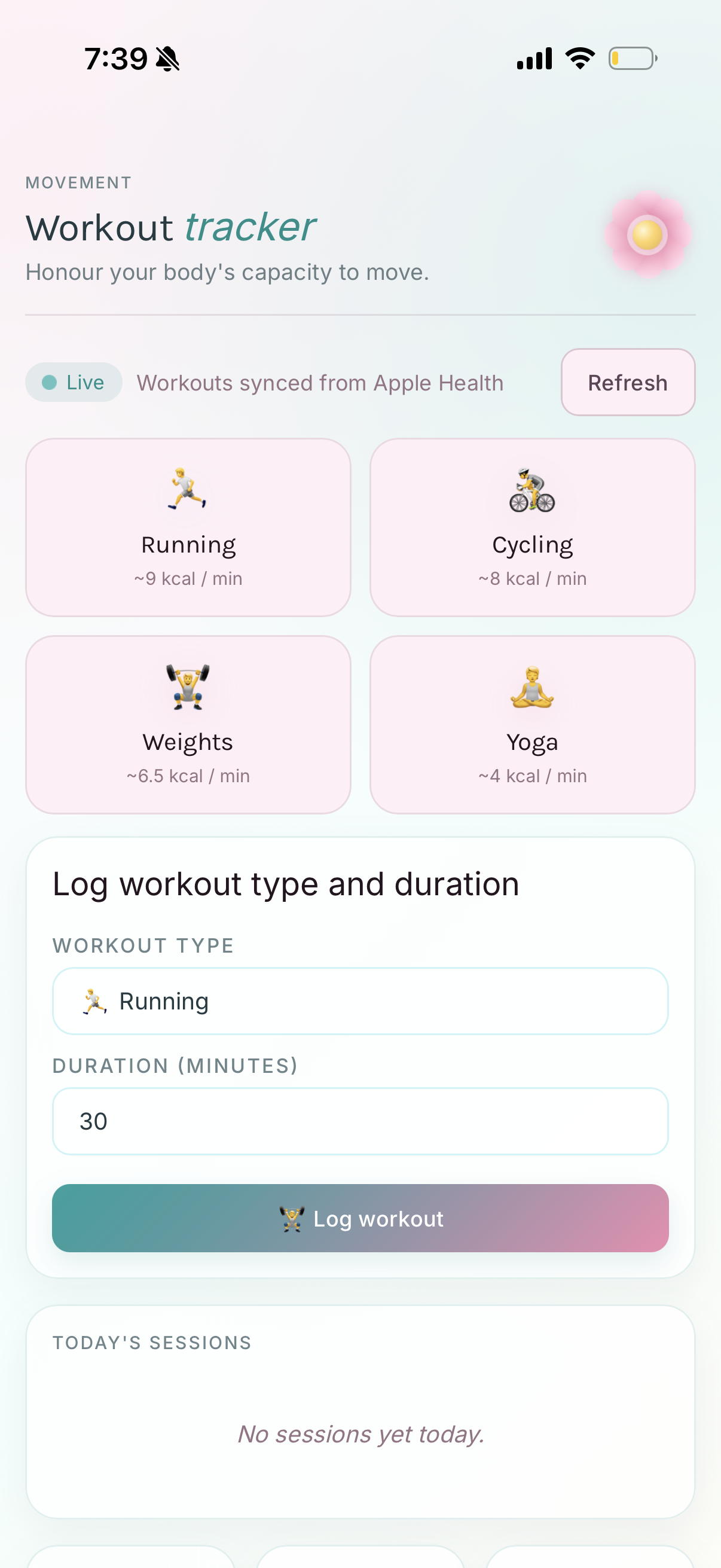
Kiori helps you track calories, water, supplements, workouts, and challenges — all in one gentle, beautifully designed app.

🍽️ Food & Macros 💧 Hydration 🏆 Challenges 💊 Supplements 🚶 Apple Health 🧘 Workouts
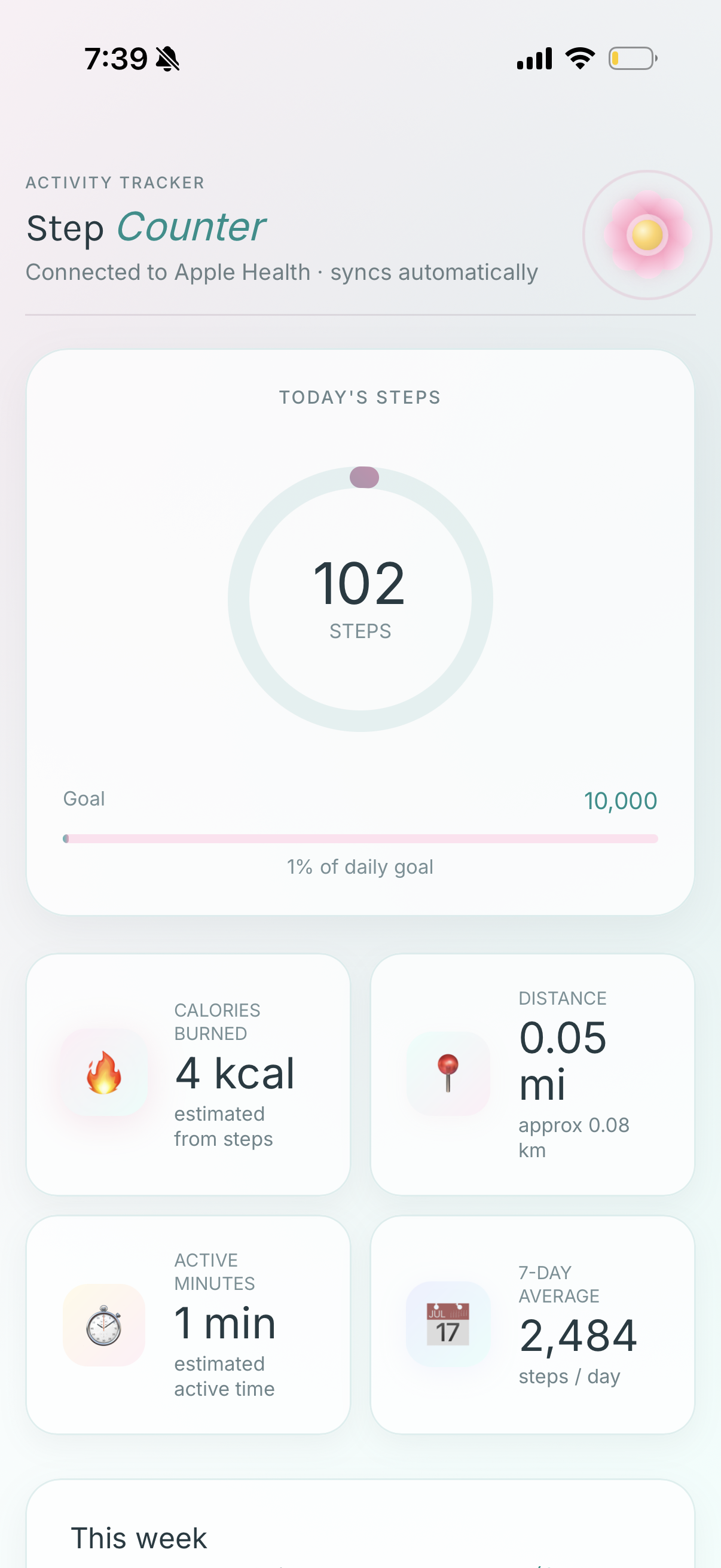
Steps
Dashboard
Hydration
Everything you need

One app, every habit

Kiori brings together all the tools for a nourished, active day.

Kiori

We're here to help

Find answers to common questions or reach out to us directly. We usually respond within 24 hours.

📧 Email support

support.kiori@gmail.com

General questions, feedback, account issues & bug reports

Getting started
Tap the flower button in the top-right corner of the dashboard to open the menu, then tap Food Log. Type a food name in the search box, select a result, choose your quantity and meal type (Breakfast, Lunch, Snack or Dinner), and tap Log Food. Kiori calculates calories and macros automatically.
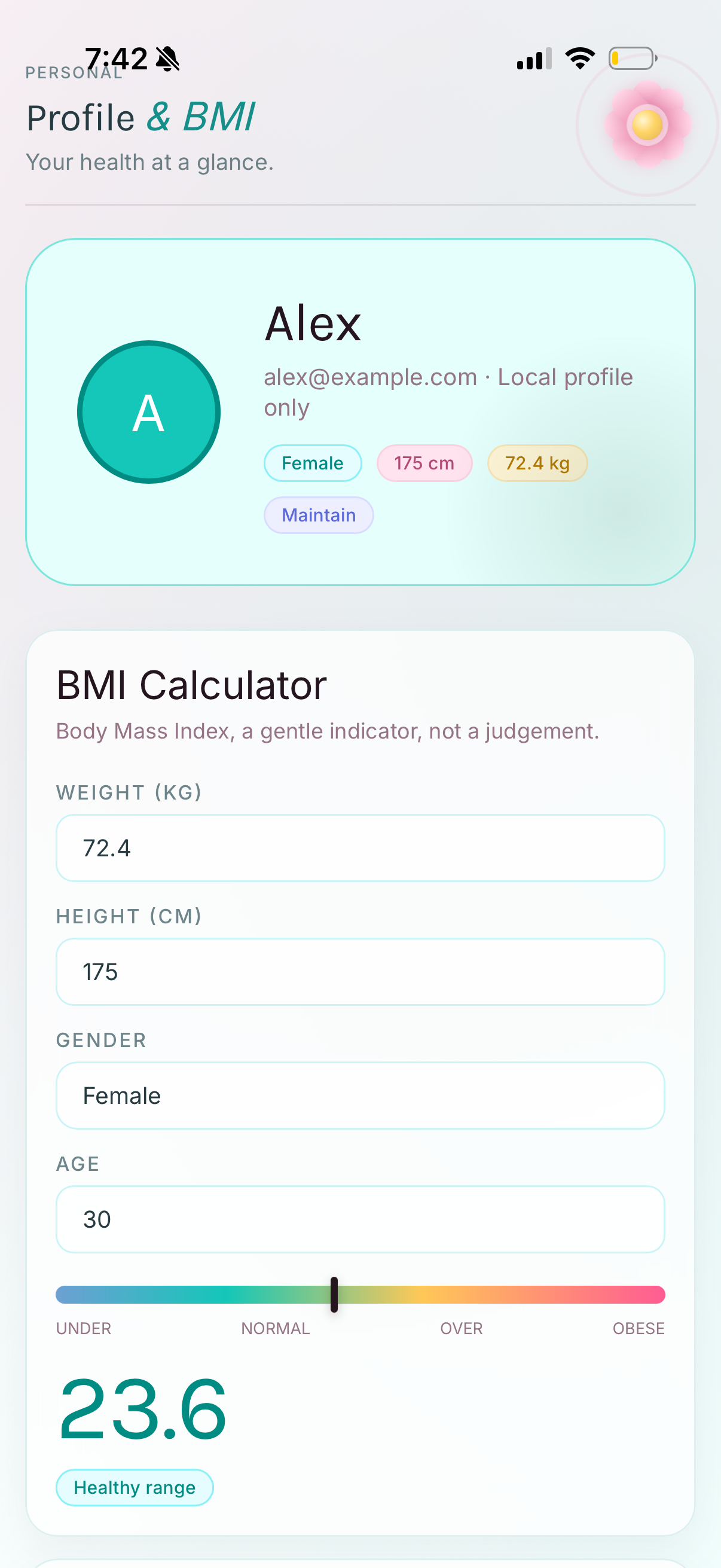
Go to Profile & BMI from the menu. Fill in your weight, height, gender and age, then choose your activity level and goal (Lose, Maintain or Gain). Kiori will automatically calculate your daily calorie target. You can also set a custom goal directly in the Daily Calorie Goal field.
Yes. Kiori connects to Apple HealthKit to sync your step count, distance, and calories burned from workouts. When you first open the Steps or Workout screen, Kiori will ask for permission. You can manage these permissions anytime in the iOS Settings → Health → Kiori.
Hydration & Supplements
Kiori calculates your water goal automatically based on your body weight (approximately 35 ml per kg). You can see your current goal in the Hydration screen. If you want a custom goal, go to Profile & BMI and update your weight — the water goal adjusts automatically.
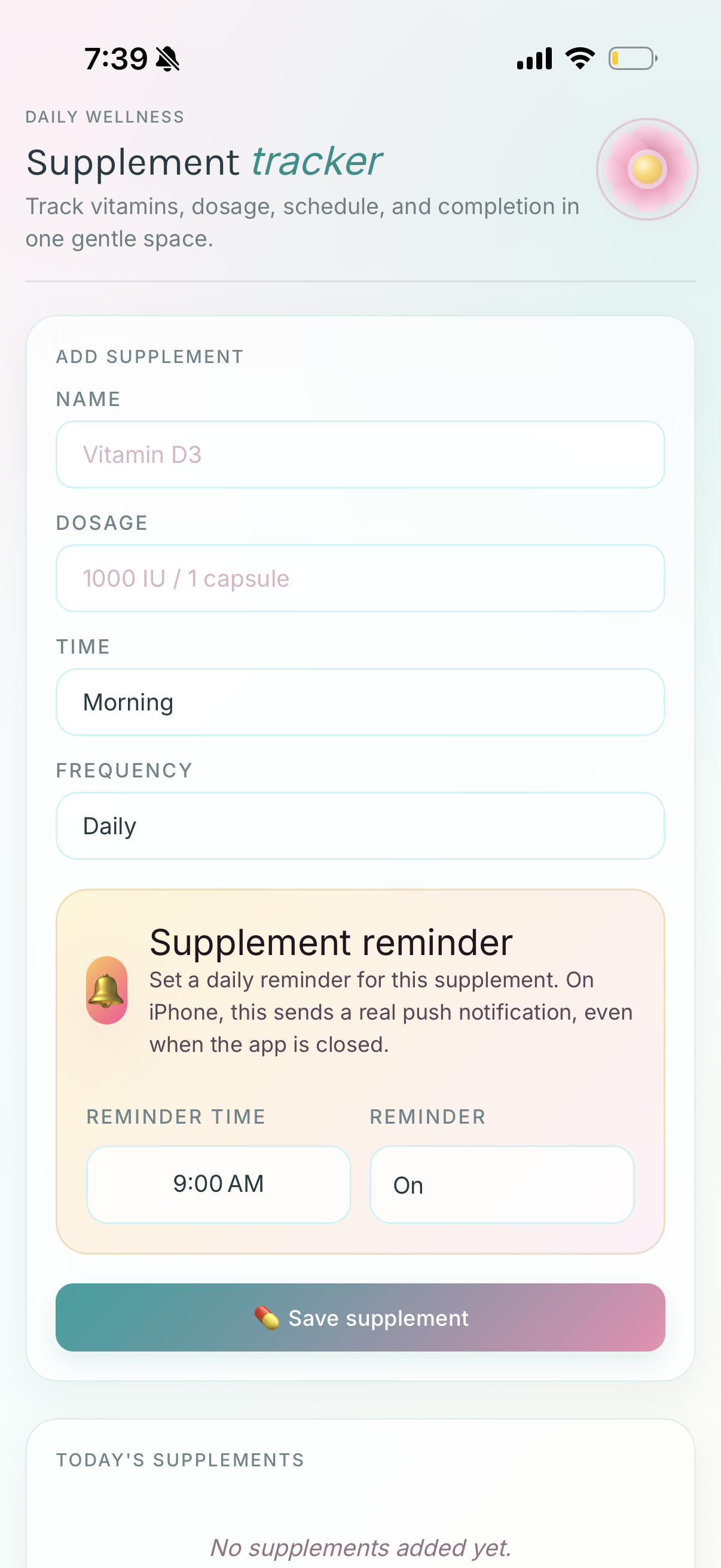
First check that notifications are enabled for Kiori in iOS Settings → Notifications → Kiori. Also ensure the Reminder field is set to On when saving the supplement. If you still don't receive them, delete the supplement, save it again with a reminder time, and make sure your device is not in Do Not Disturb mode at that time.
Challenges & Rewards
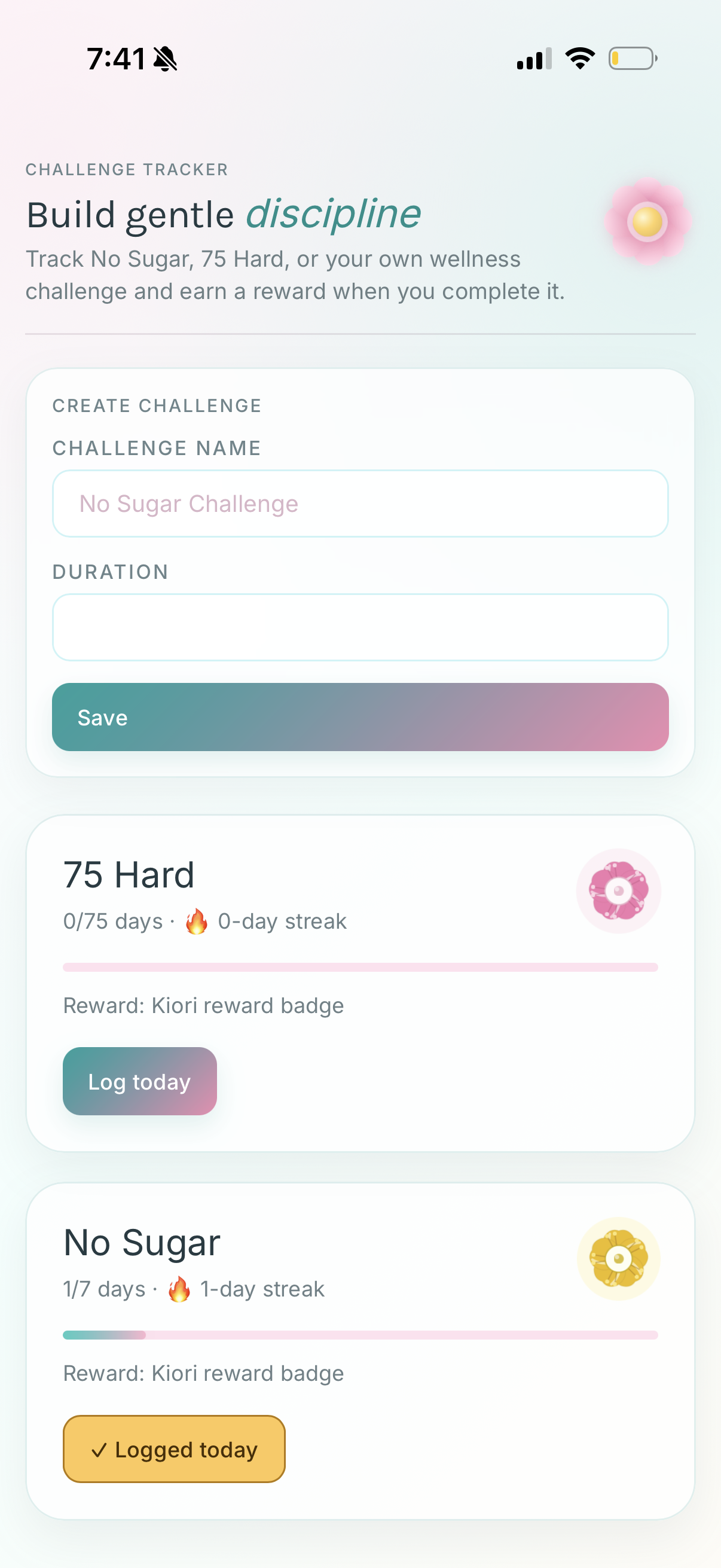
Open the menu and go to Challenges. You'll see preset challenges (75 Hard, No Sugar) or you can create a custom one by entering a name and duration (in days) and tapping Save. Once created, tap Log today each day to track your streak.
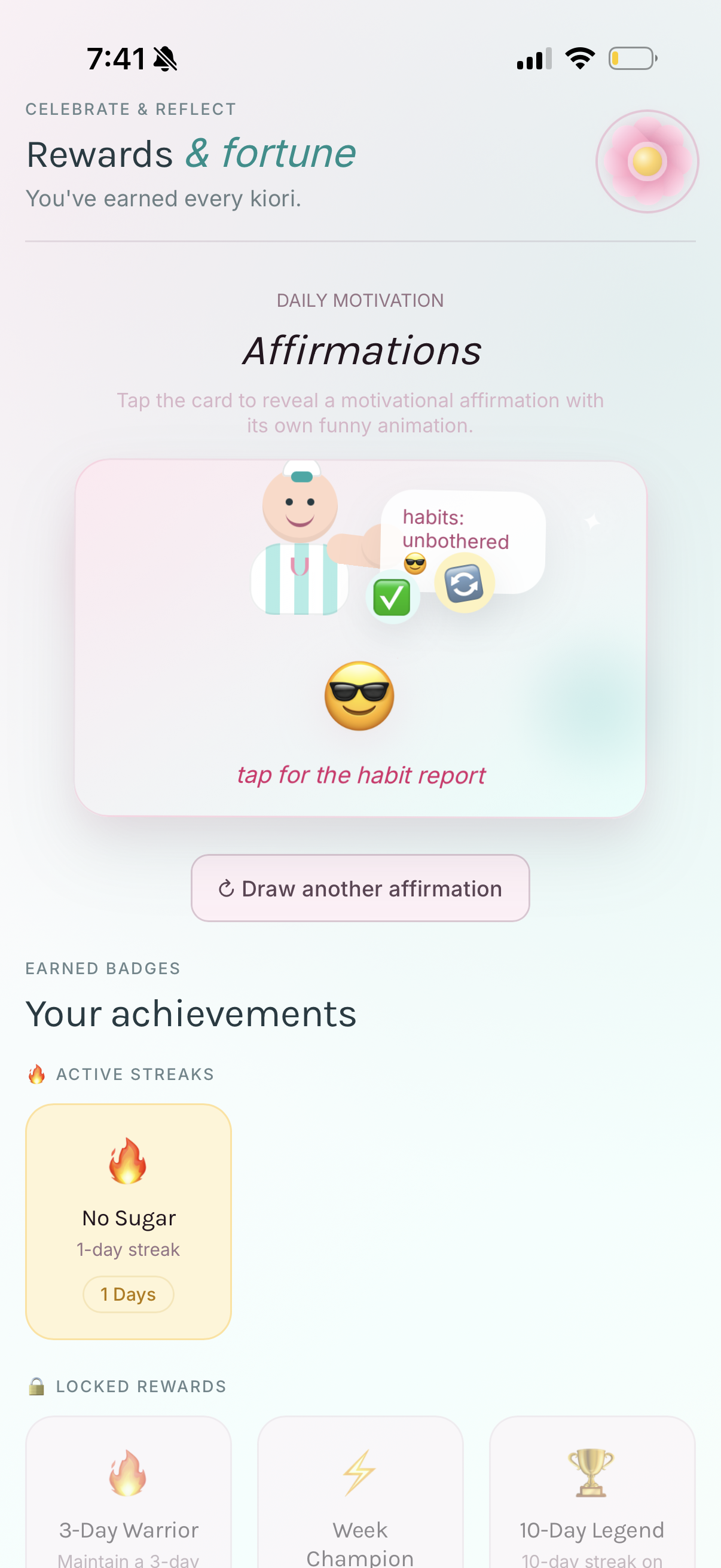
Badges are earned by maintaining streaks on your challenges. A 1-day streak earns the first badge. Keep going to unlock 3-Day Warrior, Week Champion, 10-Day Legend and more. All your earned badges appear in Rewards & Fortune.
Data & Privacy
All your personal data — food logs, water entries, workouts, supplement records, challenge progress and profile information — is stored locally on your device only. Kiori does not upload your data to any server or share it with third parties.
To delete all app data, go to iOS Settings → General → iPhone Storage → Kiori → Delete App. This removes the app and all locally stored data. Individual entries (food logs, supplements, challenges) can be deleted from within the app on the relevant screen.

Privacy Policy

Last updated: May 2026  ·  Effective immediately

✓ No account required  ✓ Data stays on your device  ✓ No ads  ✓ No data selling

1. Overview

Kiori ("we", "our", "the app") is a wellness tracking application developed for iOS. This Privacy Policy explains what information the app accesses, how it is used, and your rights regarding your personal data. We are committed to protecting your privacy.

The short version: Kiori stores all your data locally on your device. We do not collect, transmit, or sell any personal information.

2. Data We Collect

Kiori does not collect or transmit any personal data to external servers. All information you enter is stored locally on your iPhone using the device's secure local storage.

The following types of data are stored on your device only:

3. Apple HealthKit

Kiori integrates with Apple HealthKit to read the following data types, with your permission:

HealthKit data is read-only within Kiori and is only displayed within the app. It is never written back to HealthKit, uploaded to any server, or shared with any third party. You can revoke HealthKit permissions at any time in iOS Settings → Privacy & Security → Health → Kiori.

4. Local Notifications

Kiori may request permission to send local push notifications for:

All notifications are generated and scheduled entirely on your device. No notification data is transmitted to any server. You can manage notification permissions in iOS Settings → Notifications → Kiori.

5. Third-Party Services

The food search feature queries a public, no-key nutrition database API to retrieve nutritional information for food items you search. Only the food name you type is sent in the query. No personal information (name, age, health data, device identifiers) is included in these requests.

Kiori does not integrate with any advertising networks, analytics platforms, or data brokers.

6. Data Retention & Deletion

All data is retained on your device until you explicitly delete it or uninstall the app. To delete all data associated with Kiori, go to iOS Settings → General → iPhone Storage → Kiori → Delete App.

7. Children's Privacy

Kiori is not directed at children under 13. We do not knowingly collect personal information from children. If you believe a child has provided personal information through the app, please contact us and we will take appropriate action.

8. Changes to This Policy

We may update this Privacy Policy from time to time. Any changes will be reflected with an updated "Last updated" date at the top of this page. Continued use of Kiori after changes constitutes acceptance of the updated policy.

9. Contact

If you have any questions about this Privacy Policy or how Kiori handles your data, please contact us:

Email: support.kiori@gmail.com